Import your clients from Google Contacts into GuideMate
Export your Google contacts as a CSV file and import them into GuideMate in a few clicks. The dedicated flow automatically recognises your Google labels and creates tags in the app.
Connect GuideMate to Brevo (formerly Sendinblue) to automatically sync your clients and send them newsletters, seasonal offers or reminders.
Brevo (formerly Sendinblue) is a free emailing tool for up to 300 emails/day. By connecting it to GuideMate, your clients are synced automatically — no more exporting/importing CSV lists.
Go to brevo.com and create an account. The free plan includes unlimited contacts and 300 emails per day, which is more than enough for an independent guide.
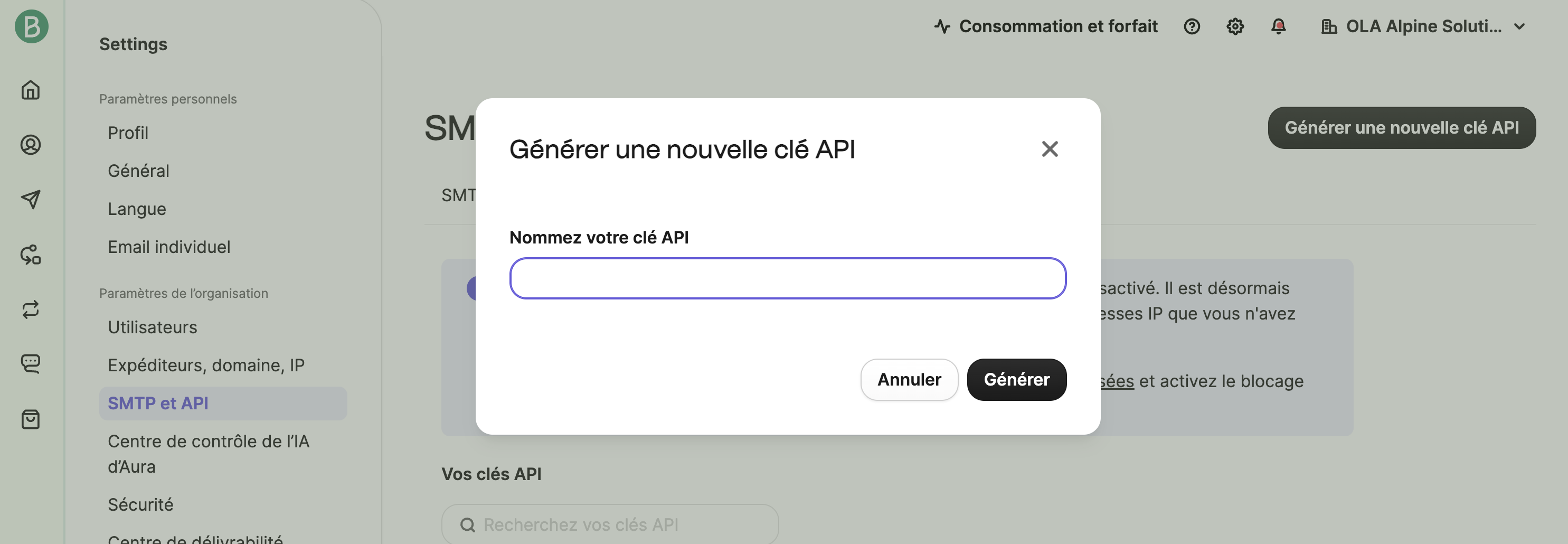

The sync is now active. Every new client created in GuideMate is automatically added to your Brevo contacts. Existing clients are synced as they are updated.
In Brevo, go to Contacts. You should see your GuideMate clients appear with their name and email.
Start of summer season: "Climbing season is here — check out the available outings this summer"
End of season: "Thanks for a great season, here are the first ski dates"
Re-engage inactive clients: target clients who haven't had an activity in over a year
New offering: "I've opened a new route in the X range, spots are going fast"
Want to try? GuideMate is free to start — no credit card, no time limit. Data hosted in Europe.
GuideMate est gratuit pour commencer. Aucune limite de durée.
Commencer gratuitementExport your Google contacts as a CSV file and import them into GuideMate in a few clicks. The dedicated flow automatically recognises your Google labels and creates tags in the app.
Exportez vos contacts Google au format CSV et importez-les dans GuideMate en quelques clics. Le flux dédié reconnaît automatiquement vos libellés Google pour créer des étiquettes dans l'application.